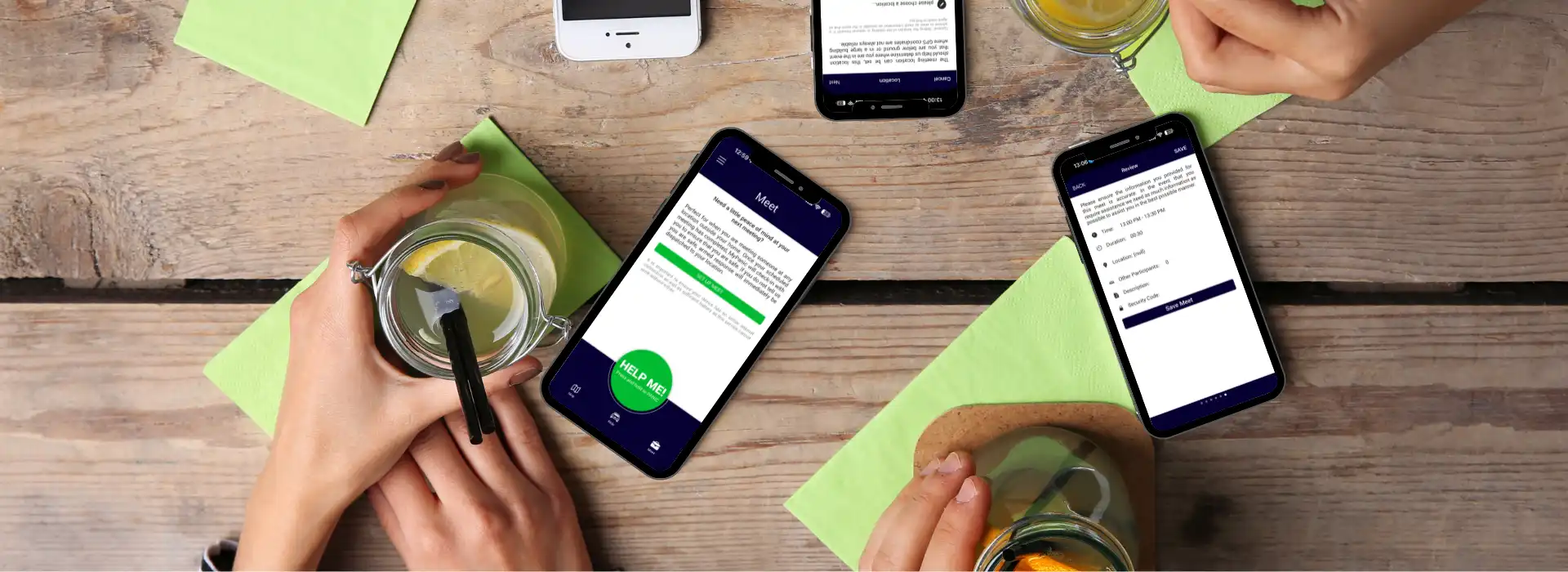
MyPanic Meet: Feel safer when meeting someone new
Not every safety concern happens on the road. Sometimes it’s a first date, a quick collection, a meeting with someone you don’t know well, or letting someone into your space when you’re alone. That’s where MyPanic Meet comes in.
In the first blog, the focus was on the new Ride feature in the MyPanic app. In this second part, the spotlight is on MyPanic Meet, a feature designed for everyday meetings and one-on-one interactions.
What is MyPanic Meet?
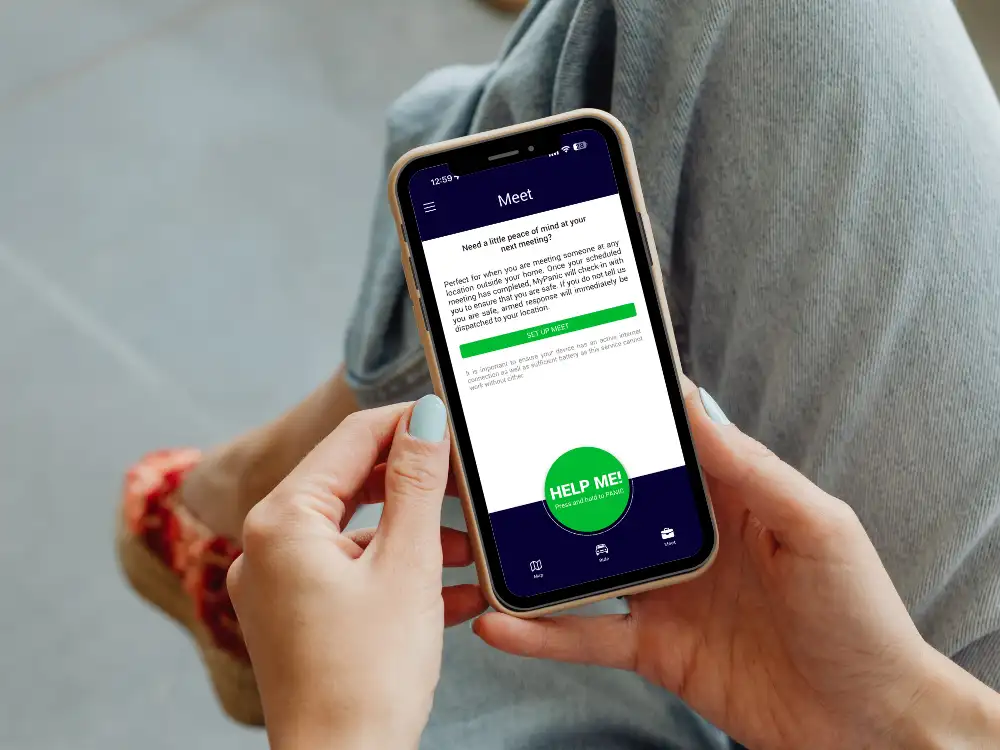
MyPanic Meet is built for those situations where you’re going to meet someone and want the reassurance of knowing that someone else is aware of where you are and when you should be safely done.
You log your meeting in the app, add an estimated duration, and go about things as normal. If you don’t check in when that time is up, MyPanic automatically starts your safety escalation.
Meet is ideal for moments like first dates, viewing a property, meeting an online seller, or opening the door for a delivery. The feature only steps in if you fail to confirm that you’re safe, so you get added protection without continuous tracking or unnecessary location sharing.
Everyday ways to use Meet
MyPanic Meet fits into everyday life more easily than you might think. It’s there for those moments that seem routine, but where a little extra backup can go a long way.
First dates, coffee catch-ups, or meeting someone new
Meeting someone for the first time should feel exciting, not stressful.
Before heading out, you log a Meet in the app, add where you’re going, and set how long you expect to be there — maybe two hours for dinner or an hour for coffee. The Meet timer runs quietly in the background while you enjoy your time, and nothing is shared with your contacts or the control room unless you fail to check in.
If the time is up and you haven’t ended the Meet or responded to a prompt, MyPanic automatically starts your safety escalation. That includes reaching out to you and sending help if necessary.
It’s made for those situations where you’re not expecting anything to go wrong, but you also don’t want to be completely unaccounted for when meeting someone new.


Marketplace collections, private sales, or buy-and-sell meet-ups
Buying or selling through an online marketplace is convenient, but it can also mean meeting strangers in unfamiliar places.
When you head out to collect or sell an item, you can start a Meet and set a realistic timeframe, such as 30 minutes. If everything goes smoothly, you simply end the Meet once you’re safely back in your car or home, and that’s the end of it.
If something feels off and you can’t easily open the app or make a call — or if the meeting runs over and you don’t respond — the system recognises that you haven’t checked in and your escalation process begins automatically.
The idea is simple: turn one-off interactions into monitored safety moments, so that if something does go wrong, help isn’t delayed while people try to work out where you went and when.
Home services, repairs, and after-hours deliveries
Sometimes the person you’re meeting is coming to you.
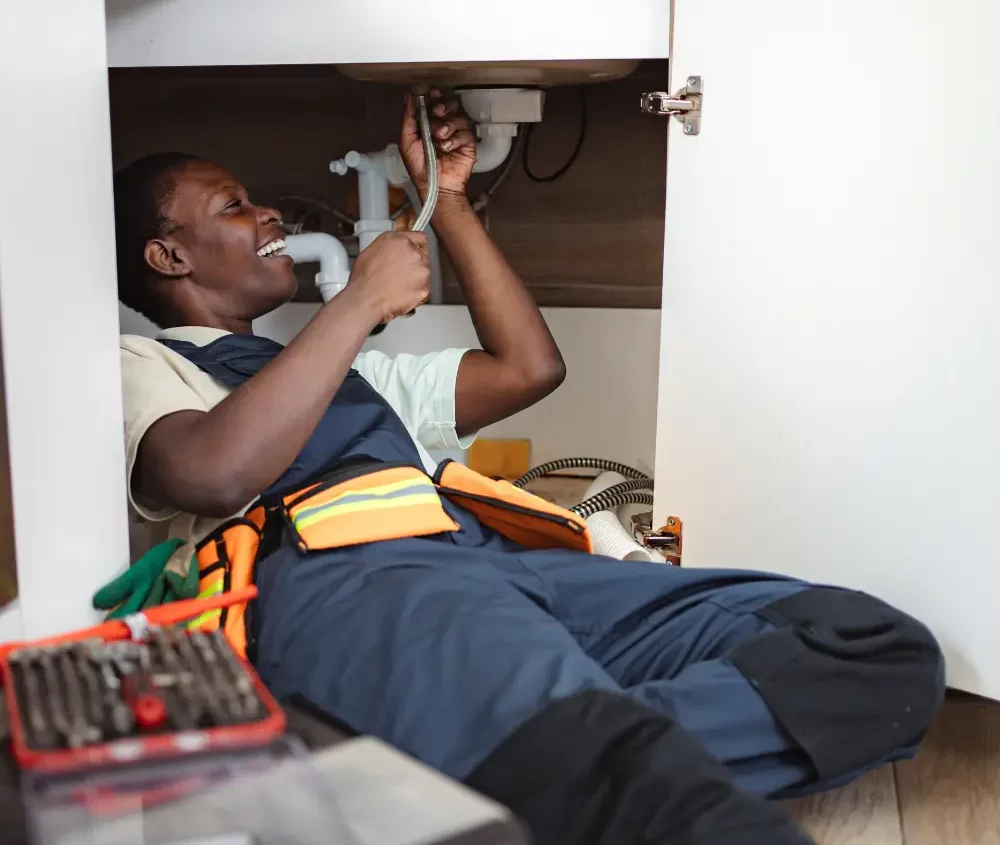
If a contractor, technician, service provider, or delivery person is coming to your home, you can log the visit as a Meet before they arrive. You set the expected duration — perhaps 45 minutes for a repair or a shorter window for a delivery — and then carry on as normal.
If the visit runs much longer than expected and you don’t check in, MyPanic assumes you may not be comfortable or able to end the Meet yourself and begins your safety escalation.
It adds a quiet, practical layer of reassurance around everyday visits where timing, circumstances, or the dynamic can suddenly shift.
Property viewings, consultations, and solo appointments
Meet is also useful for professional and personal appointments where you may be alone with someone you don’t know well.
That could be viewing a rental, attending a consultation, meeting a prospective client, or going to a private appointment in an unfamiliar place. You log the Meet, estimate how long it should take, and if you don’t confirm that everything is okay when time is up, the app starts the next step in the safety process.
That means there’s a back-up plan in place, even if you’re too uncomfortable, distracted, or unable to trigger help yourself.
Why MyPanic Ride & Meet matter
Traditional panic features usually come into play after you raise the alarm. Ride and Meet work a little differently by adding a proactive safety layer before a situation escalates.
By turning everyday drives and everyday meetings into monitored safety events, MyPanic helps reduce response time and makes it possible for someone to act on your behalf, even if you can’t get to your phone.
Together with MyPanic’s nationwide 24/7 armed response and medical assistance network, Ride and Meet make MyPanic a powerful everyday personal safety app for South Africans. Whether you’re a student, parent, professional, commuter, or business owner, these features give you extra confidence to move, meet, and get on with life with greater peace of mind.
Missed our blog on MyPanic Ride? Read about the new Ride feature here.